
Practical guide
Razor-sharp icons from blurry sources
Recover a compact flat-color palette before tracing soft or resampled icon artwork.
Problem
A small flat icon may contain dozens of nearly identical edge colors after export or resizing. A direct trace follows those ramps and can produce soft edges, extra layers, and a larger SVG. The sharpen pass clusters the visible colors before the tracer fits contours.
Command
npx kurviq --input soft-icon.png --output crisp-icon.svg \
  --upscale 2 --mode spline --filter_speckle 4 \
  --path_precision 1 --segment_length 8 --sharpen
Before and after
 PNG SVG
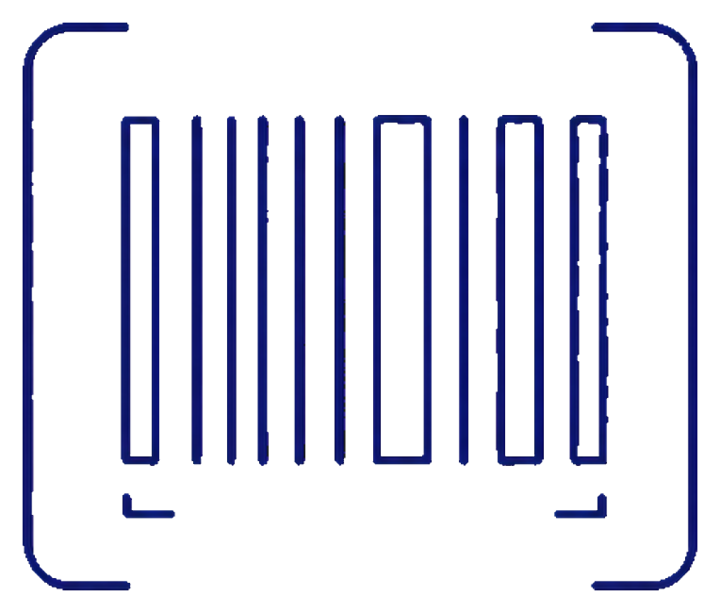
 Barcode, small outline icon
Narrow bars and soft-alpha edges on a compact source.
Narrow barcode strokes remain distinct while the output uses a compact 8 KB SVG. The bare flag allows up to 12 recovered colors; pass --sharpen 6 or --sharpen=6 when the artwork has a smaller known palette.
Workflow
1. Confirm the artwork is meant to be flat
Sharpening is for logos, outline sets, badges, and deliberately flat illustrations. It is the wrong tool for photographs, soft shading, and continuous gradients.
2. Give the tracer more edge samples
Upscaling to 2× runs before tracing and preserves the SVG display size. It helps the palette recovery pass distinguish a real narrow stroke from a single noisy pixel.
3. Tune only when necessary
Start with the bare flag. Lower the color ceiling only when separate semantic colors are being merged or when you know the source palette exactly.
Flag reference
| Flag | Value | Why it is here |
|---|---|---|
--upscale | 2 | Adds working pixels without changing the displayed SVG dimensions. |
--mode | spline | Fits smooth icon contours. |
--filter_speckle | 4 | Removes tiny islands created by soft edges. |
--path_precision | 1 | Retains detail in small coordinates. |
--segment_length | 8 | Keeps smooth shapes from becoming overly fragmented. |
--sharpen | 12 colors | Recovers a bounded palette before vectorization. |