
Practical guide
Let Kurviq choose the recipe
One flag that classifies the source and applies the matching recipe, and one that shows its work.
Problem
Every recipe on this site is a measured answer to a specific kind of source. Choosing between them means knowing what you are looking at, and the cost of guessing wrong is a mediocre trace. --auto makes that choice from the image itself.
Command
npx kurviq --input in.png --output out.svg --auto --explainBefore and after
 PNG SVG
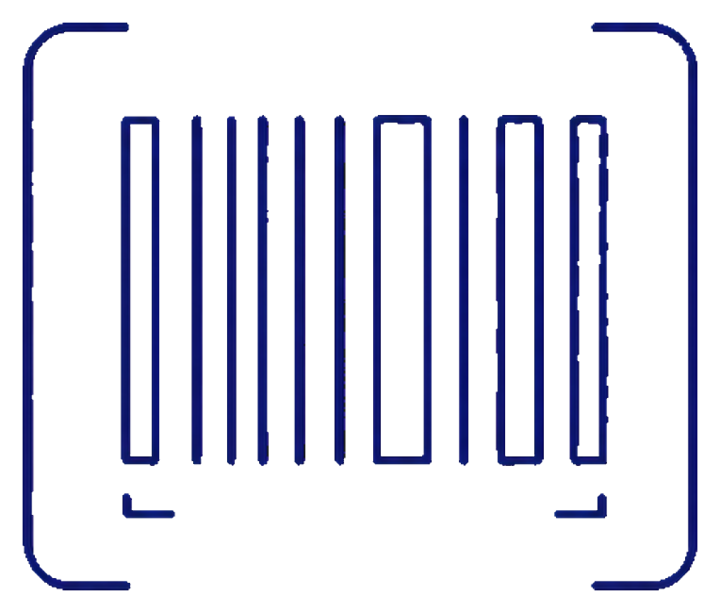
 Barcode, small outline icon
Narrow bars and soft-alpha edges on a compact source.
Over 47 test images, --auto improved 33 and left 7 unchanged, reducing mean structural distance by 37%. Seven regressed slightly: it is a heuristic, not an oracle, which is exactly why --explain exists.
Workflow
1. Run it and read the explanation
--explain prints the class, the reasons, and the resolved flags to stderr, so redirecting stdout to a file still works.
2. Pin the flags
The printed flags reproduce the run byte for byte. Once you are happy with a source type, copy them into your build and drop --auto, which then costs you nothing at build time.
3. Override anything
Explicitly supplied options always beat the chosen recipe, so --auto is a starting point rather than a decision you have to undo.
Flag reference
| Flag | Value | Why it is here |
|---|---|---|
--auto | bare | Classify the source and apply a matching recipe. |
--explain | bare | Print the class, reasons and resolved flags to stderr. |