

 PNG SVG
 Comet Badge
A four-color badge traced straight off its green screen. One --remove-background flag, no masking.
Examples / proof sheets
Drag each control to compare the original PNG with the Kurviq output. The checkerboard makes transparent regions visible; captions report the actual file sizes shown.
PNG SVG A four-color badge traced straight off its green screen. One --remove-background flag, no masking.
 PNG SVG
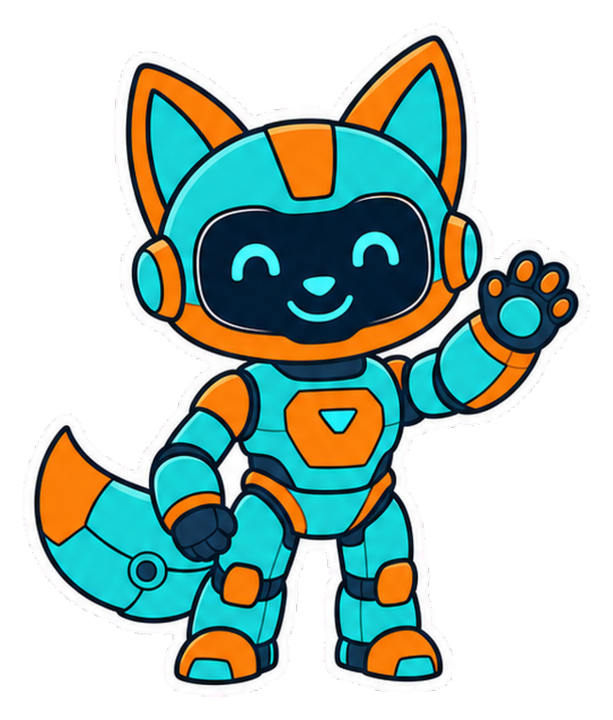
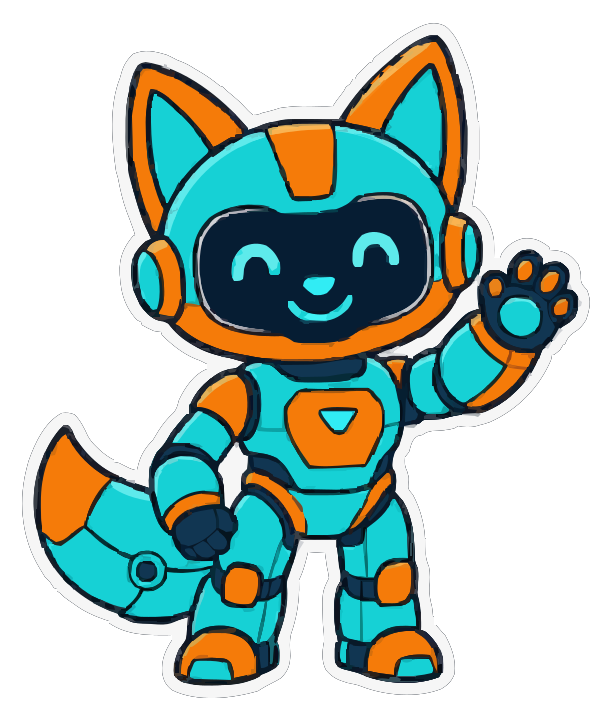
 A die-cut mascot lifted from a magenta chroma card: bold outlines, small details, and the white keyline survive.
 PNG SVG
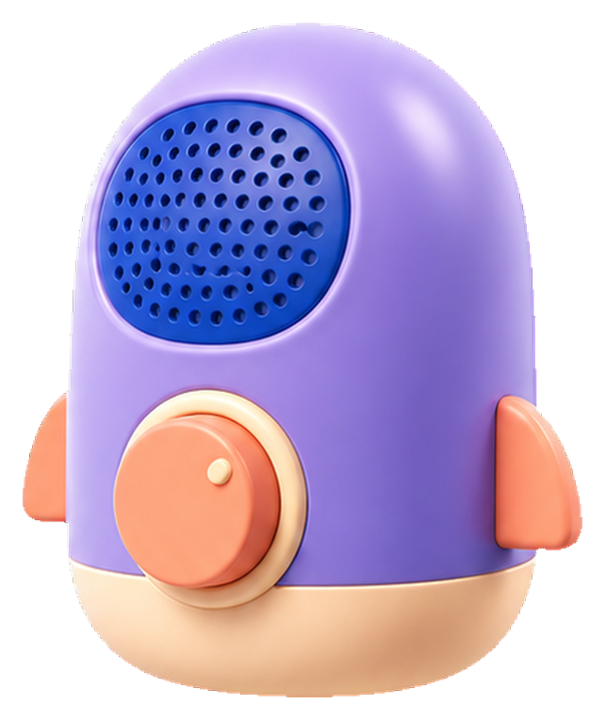
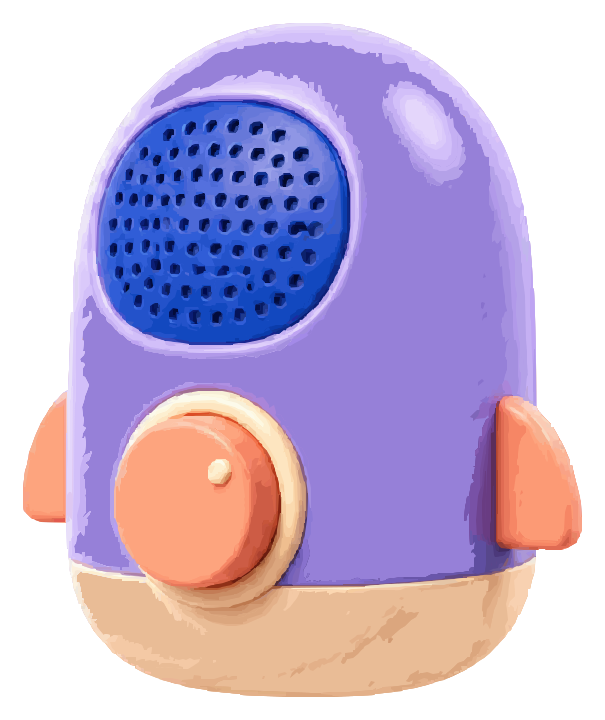
 A softly modeled 3D object: gradient-aware tracing keeps volume and highlights while the green screen disappears.
 PNG SVG
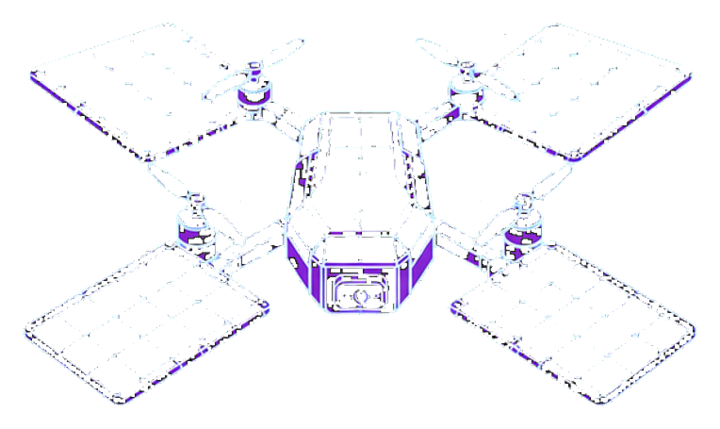
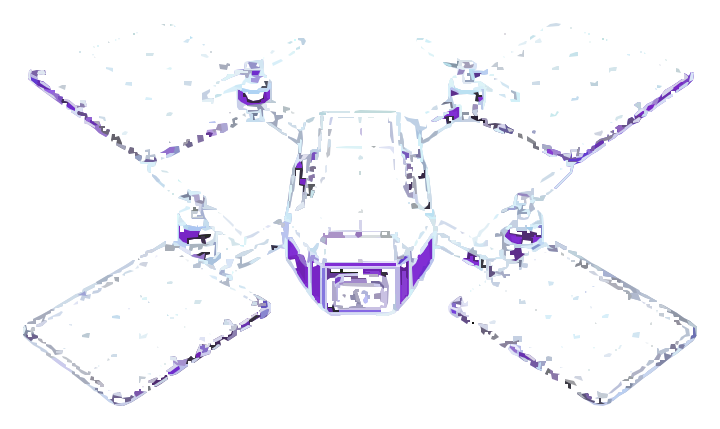
 Fine cyan construction lines test precision, symmetry, and crisp technical geometry.

 PNG SVG
 A compact multicolor icon balances rounded geometry with restrained inner shading.
 PNG SVG
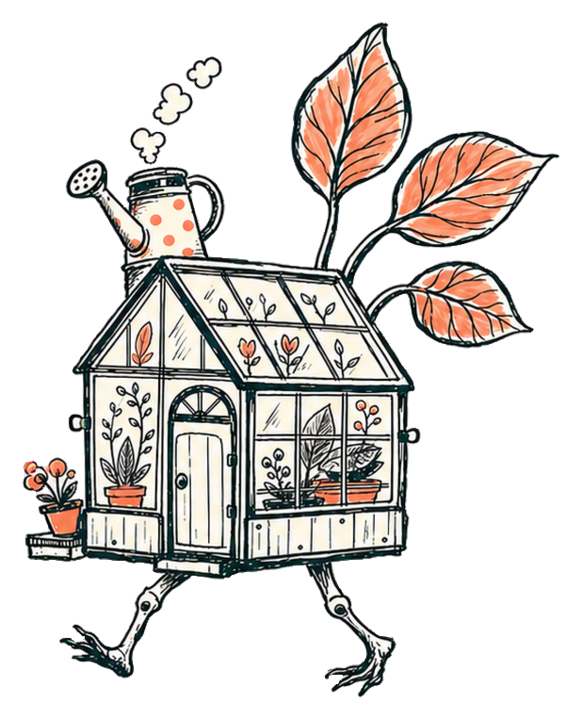
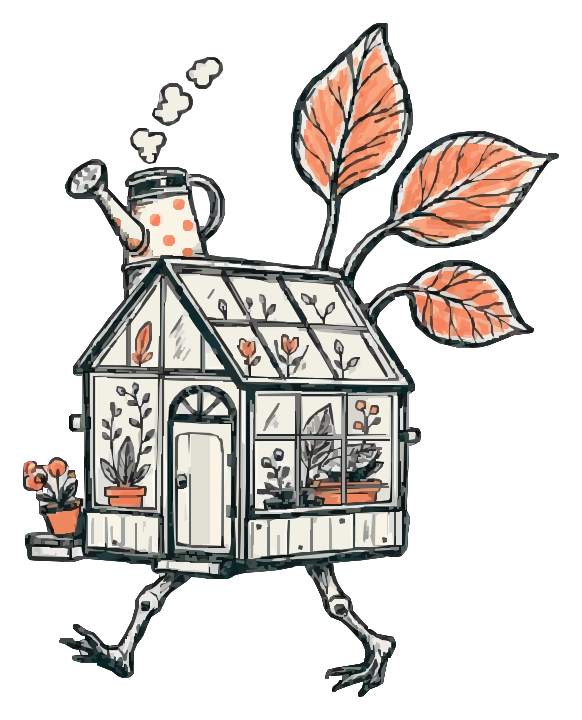
 Organic pen strokes and coral wash accents showcase expressive line-art tracing.

 PNG SVG
 Fine facial details, soft shadows, and rounded color transitions.
 PNG SVG
 Thin strokes and enclosed shapes after background removal.

 PNG SVG
 Layered objects, attached shadows, and gentle gradients.
 PNG SVG
 Narrow bars and soft-alpha edges on a compact source.

 PNG SVG
 Near-white structure protected from an almost-white background.

 PNG SVG
 Small calendar details, smooth curves, and multiple materials.
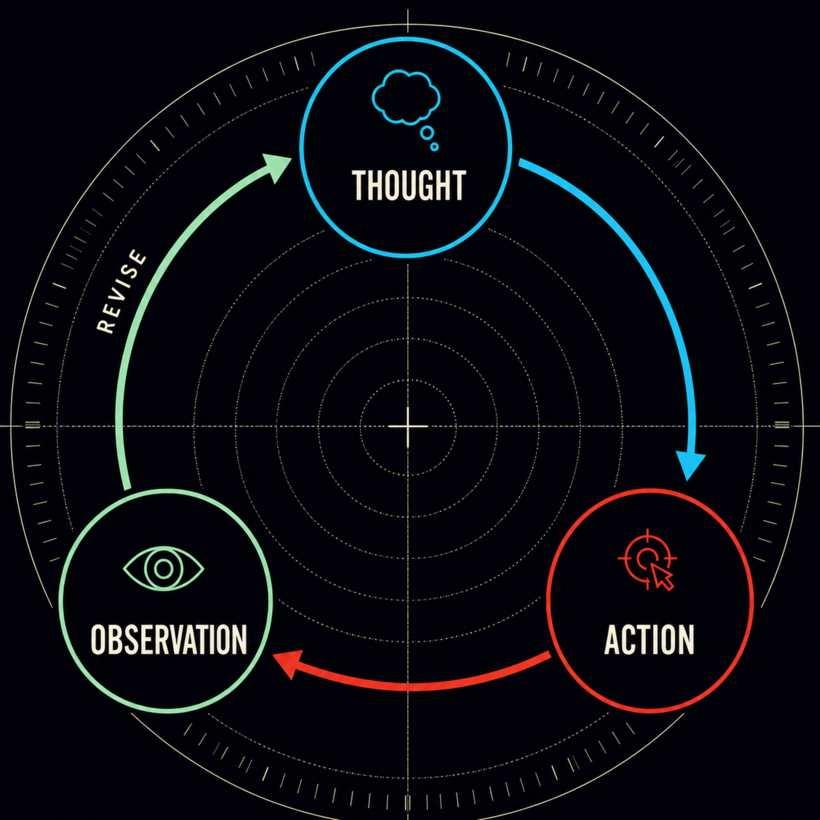
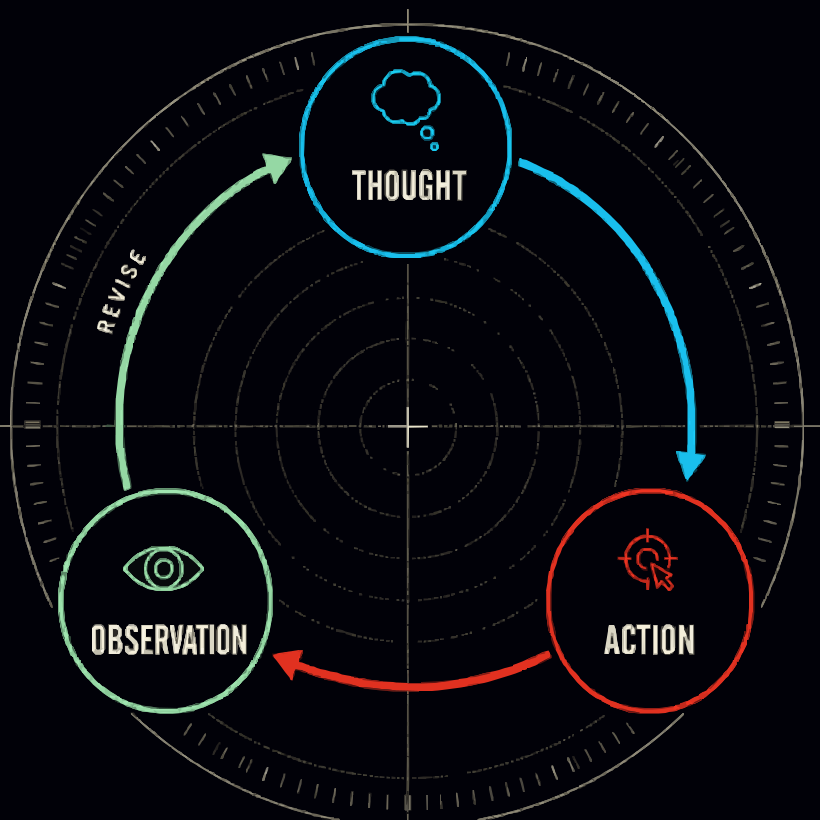 PNG SVG
 A dark neon diagram: --upscale 2 keeps the dashed radar rings and tick marks that a plain trace loses, then --consolidate 48 holds the file to 156 KB.

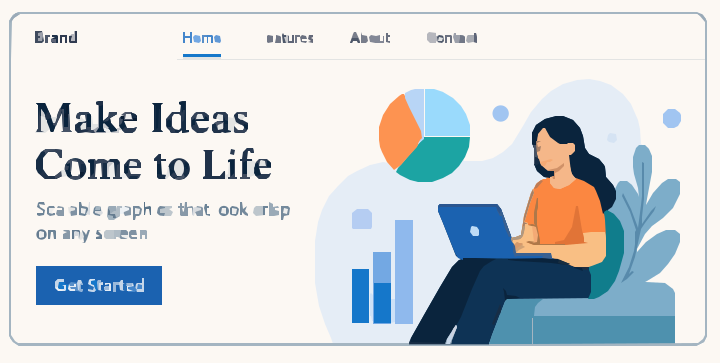 PNG SVG
 A full page mockup in 16 KB. --consolidate collapses the anti-aliased ramps, --snap recovers five circles and the button rectangles.
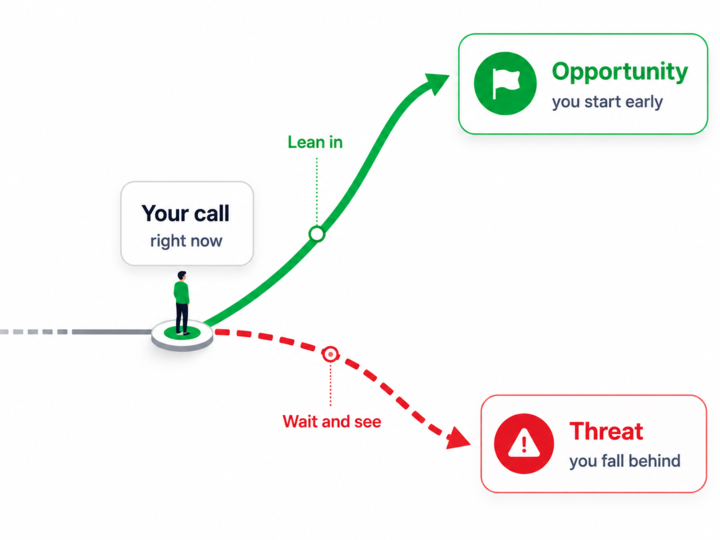
 PNG SVG
 Soft gradients preserved with --gradient_step 8, then consolidated and snapped: 30 rectangles and 4 circles become real primitives.

 PNG SVG
 Flat editorial artwork in 5 KB. Twenty-three colors carry the whole illustration once near-identical fills are merged.

 PNG SVG
 A shaded board panel: gradient flags keep the shading smooth while consolidation keeps the palette to 24 colors.
 PNG SVG
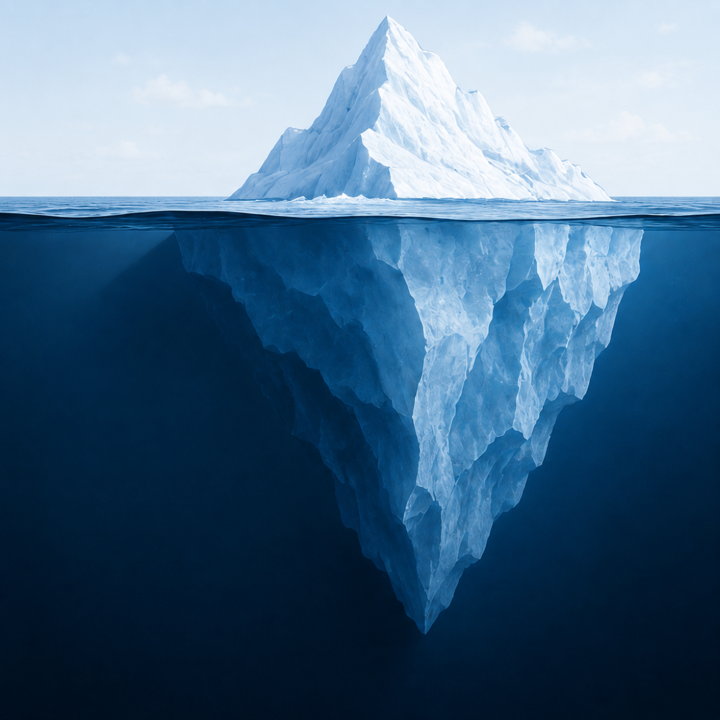
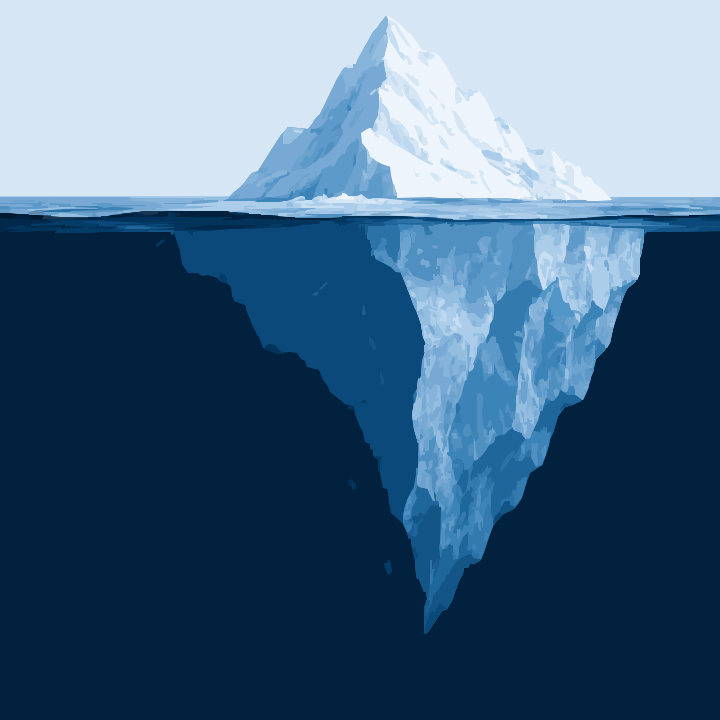
 A large tonal illustration reduced to 64 perceptual colors. 68 KB with the tonal transitions intact.

 PNG SVG
 A small shaded marker: 21 snapped rectangles and a 24-color palette.
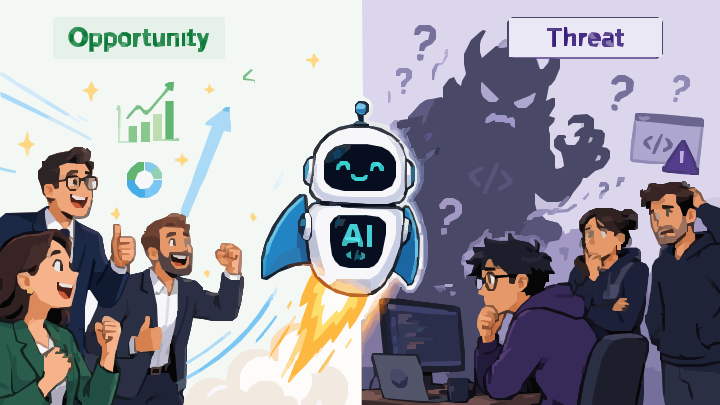 PNG SVG
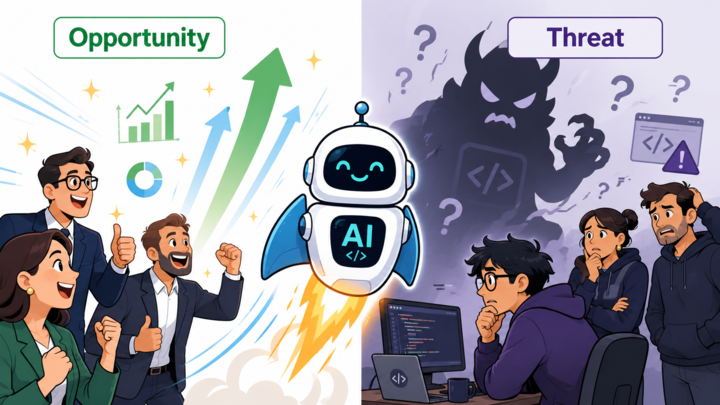
 A wide two-panel illustration traced with --snap only, keeping the full tonal range at 79 KB.
The combination nothing else does: a generated raster draft, traced by Kurviq, then
enhanced with authored SVG on top of the trace. Tracing with
--structure groups leaves stable palette classes behind, and those classes are
the handles the animation and interaction attach to.
// 1. trace the draft, asking for addressable output
const traced = convert(raster, { consolidate: true, structure: 'groups' });

// 2. the trace's own palette classes are the handles
const plan = A.animationPlan({ duration: 1400, stagger: 70 });
for (const c of paletteClasses(traced)) {
  plan.animate({ selector: '.' + c, property: 'opacity', from: 0, to: 1 });
}
Checked against the target it ships to before it went on this page. That is the point of the toolbelt: an SVG that quietly does nothing, a hover state in an image or a selector the renderer ignores, fails the check instead of the user.
The two things a tracer cannot give you. Every piece below is generated by
kurviq/author, and each was checked against the target it ships to before it
went on this page.
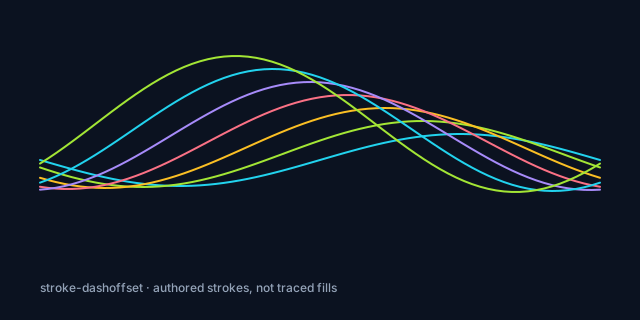
stroke-dashoffset on a traced fill is a
provable no-op, which is why the tracer's own --animate draw refuses to
pretend otherwise.
const A = require('kurviq/author-animate');
const { strokedPath } = require('kurviq/author-stroke');

// A real draw-on. Only possible because the strokes are AUTHORED —
// animating stroke-dashoffset on a traced fill is a provable no-op.
const plan = A.animationPlan({ duration: 1800, stagger: 130 });
plan.animate({ selector: '.draw-0', property: 'stroke-dashoffset', from: L, to: 0 });:target, so the panels work anywhere the SVG is inlined, including
with the browser back button.
Verified before publishing: the draw-on is valid as an <img> because
declarative animation runs there; both interactive pieces are rejected for
browser-img and are inlined instead. All three keep a correct static frame, and
the animation ships a reduced-motion fallback that settles on the final state.
Kurviq also builds SVG. Everything below was generated by
kurviq/author and verified through @tecsteps/kurviq-toolbelt — rendered,
diffed, and validated against a measured target-support matrix. No hand-written SVG.
const { createScene, shapes } = require('kurviq/author');
const { linearGradient } = require('kurviq/author-paint');
const { strokedPath, arrowhead, withMarkers } = require('kurviq/author-stroke');
const { clipPath } = require('kurviq/author-mask');

// ...then verify it, rather than hoping:
const { evaluate, validateTarget } = require('@tecsteps/kurviq-toolbelt');
validateTarget(svg, 'browser-img').ok;   // false when it needs pointer events
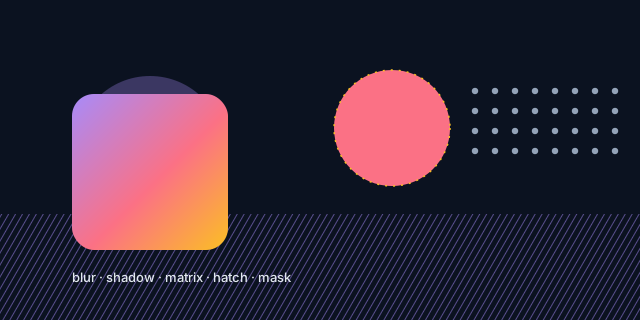
<img> receives no pointer events and
the states would never fire. Kurviq refuses to declare it valid for that embedding.
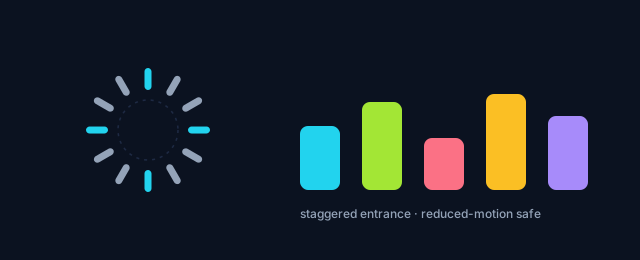
Verified before publishing: the legend is rejected for browser-img and static
rasterisers, the loader is rejected for static rasterisers only, and the other two are valid
everywhere. Full walkthrough in the authoring guide.
These are ordinary traces. --animate reveal adds a CSS-only entrance
that staggers each colour group, with no JavaScript and no runtime library. The final
frame is byte-identical to the unanimated trace, so any renderer that ignores CSS shows
the correct static image, and prefers-reduced-motion switches the motion off.


{.k-anim{animation:none!important;opacity:1!important;stroke-dashoffset:0!important}}%3c/style%3e%3cg%20id='k-0-00'%20class='kf-1%20k-anim'%20data-fill='%230c136b'%3e%3cpath%20d='M502%20115h35l5%203v6h2v335l-3%205h-5l-1%202-1-1h-19l-1%201h-11l-5-3-1-12-1-1v-58l1-1v-37l-1-1v-24l1-1v-26l-1-1v-83l1-1v-23l-1-1v-66l1-1%201-8zM507%20123l-2%201v332h29V124l-1-1zM62%2023h65l2%202v5l-2%202-63%201-11%203-1%202-5%203-5%205-3%203-5%2011-1%2069v386l1%2039%203%206%202%204%204%206%204%203v2l4%201%2010%204%2066%201%203%202v6l-1%201H62l-13-4-12-11-7-8-1-6h-2l-3-8-1-7V66l2-9%204-10%2011-12%207-6zM594%2023h65l12%204%205%204%205%203%206%206v3h3l2%205%204%208%201%205v491l-2%207-6%2012-12%2012-7%204-11%203h-65l-3-3%202-4%202-2%2065-1%2010-4%209-7%205-8%203-9V61l-2-6-3-5v-4h-3v-3l-4-2-2-1v-2l-4-1-6-3-6-1-64-1-2-6z'%20fill='%230c136b'/%3e%3cpath%20d='M576%20115h26l5%203%201%2016v289l-1%2041-26%201-5%201v-2l-4-1-2-4V120l4-4zM581%20123l-4%204v8l1%202v25l-1%202v13l1%201v83l-1%204%201%201v30l-1%202v12h2l-1%2045-1%205%201%201v85l-1%201v9h22V264h2v-8l-1-1v-43l1-5-1-1-1-42h2v-5l-1-1v-23l1-1v-7l-3-3zM378%20115h49l5%204v343l-2%202h-55l-2-2V118zM384%20123l-3%201v332h41l2-1V126l-3-3zM125%20116h30l4%203v342l-1%203-4%202-4-1-26-1-3-5V121zM131%20124l-1%201v331h22V125l-1-1zM299%20115l4%202%202%204v340l-1%203-6%202-3-3V118zM339%20115l3%201v2h2l1%203v337l-1%206-5%201-4-4V118zM196%20115l5%202%201%2010%201%202v327l-1%201-1%207h-8l-1-3V120l2-4zM262%20115l4%202%203%205v23l-1%201v10l1%201v5l-1%201v55l1%204-1%201v209l1%201v27l-2%204-6%202v-2h-2l-1-3V118zM462%20115l4%201%202%202v345l-4%203-5-4V118h2zM230%20116l5%201%201%203v339l-2%206h-3l-4-3V118z'%20fill='%230c136b'/%3e%3cpath%20d='M385%20116h16v2l-11%201%202%202-1%201h-7v2h-3v332h41v2h-36v2h10l-1%202%2035%201v1h-55l-1-2h2l-1-3V124l1-5%209-2zM602%20493l5%204v19l-2%202h-49l-2-2%201-4%202-2h40v-12zM125%20493l4%201%201%204h2v12h41l2%202-1%205-1%201h-47l-3-3v-20zM230%20116l5%201v23l-2%201v-22l-6%201%201-3z'%20fill='%230c136b'/%3e%3c/g%3e%3cpath%20d='M342%20215h2l1%202v98h-2l-1-12z'%20fill='%230f114d'%20id='k-0-01'%20class='kf-4%20k-anim'%20style='animation-delay:90ms'/%3e%3cpath%20d='M342%20118h2l1%203v68h-3zM342%20318h3v40h-2l-1-9zM30%20515h1l1%2027%201%204v7l-2-4-1-1z'%20fill='%230e105d'%20id='k-0-02'%20class='kf-2%20k-anim'%20style='animation-delay:180ms'/%3e%3cpath%20d='M603%20510h2v6l-1%202h-48l-2-2%201-4%201-1h32v2h-31v3h46zM590%20116h14l3%202v15h-2v-14l-15-1zM45%2030l2%202-9%208-1%202h-2l-2%205-2%201%201-5zM594%20582l2%201-2%204h11v1l-12%201-2-4zM602%20493l3%202-1%203h-3l-1%207h-1v-10zM427%20116l3%201v10h-1v-8l-5-1z'%20fill='%230f1e75'%20id='k-0-03'%20class='kf-3%20k-anim'%20style='animation-delay:270ms'/%3e%3cpath%20d='M266%20431l3%202v24l-3-1-1-10v-14z'%20fill='%23171859'%20id='k-0-04'%20class='kf-5%20k-anim'%20style='animation-delay:360ms'/%3e%3cpath%20d='M342%20318h3v14h-3zM343%20403h2v9h-3v-8z'%20fill='%230f114d'%20id='k-0-05'%20class='kf-4%20k-anim'%20style='animation-delay:450ms'/%3e%3cpath%20d='M342%20382l2%202%201%2016h-2l-1%202zM343%20360h2v13h-2l-1-2v-9zM342%20118h2l1%208h-2v11h-1zM579%20122h10l-1%202h-7l-3%201-1%202%201-4z'%20fill='%230e105d'%20id='k-0-06'%20class='kf-2%20k-anim'%20style='animation-delay:540ms'/%3e%3cpath%20d='M344%20218h1v17h-2l-1-5h2z'%20fill='%23161648'%20id='k-0-07'%20class='kf-8%20k-anim'%20style='animation-delay:630ms'/%3e%3cpath%20d='M574%20116l15%201v1l-16%201z'%20fill='%23131e69'%20id='k-0-08'%20class='kf-7%20k-anim'%20style='animation-delay:720ms'/%3e%3cpath%20d='M125%20493l4%201-1%204v-2l-4%202zM230%20116h4v3l-7%201%201-3z'%20fill='%23111e81'%20id='k-0-09'%20class='kf-6%20k-anim'%20style='animation-delay:810ms'/%3e%3c/svg%3e)
npx kurviq --input icon.png --output icon.svg \
  --consolidate 8 --structure groups --animate reveal
Kurviq refuses above 120 animated elements — the blueprint example
resolves to 187 groups and is rejected rather than emitting a stylesheet larger than the
geometry. Run --consolidate first, or pass --animate-force.
Flat outline art can become smaller as SVG. Detailed 3D icons can grow because gradients and soft edges need many colored paths. Choose settings at the display size and fidelity your product actually needs.
Kurviq is deterministic for identical input bytes, options, version, and platform. Record all four when a generated asset is part of a reviewed build.
Find the matching recipe →